At a glance
Build a practical reseller bookkeeping workflow that connects liquidation purchase receipts, delivery records, marketplace sales, fees, refunds and bank deposits without double-counting transactions.

Reseller bookkeeping becomes difficult when purchase documents, marketplace reports and bank deposits tell different parts of the same story. A liquidation purchase might appear on a card statement today, arrive later and generate hundreds of separate sales across several payout periods. A bank feed alone cannot connect those events.
The solution is a transaction trail: preserve the original documents, give each purchase a stable reference and reconcile marketplace activity before matching deposits. For the broader policy context, start with PalletCove’s sales tax policy for reseller purchases. This article stays focused on transaction records—not inventory cost allocation or tax nexus.
The goal is straightforward: someone reviewing your books should be able to move from an order to its payment, delivery evidence, related sales and subsequent adjustments without guessing what happened.
1. Build a document trail before placing an order
An invoice is the supplier’s itemized billing document identifying the purchase, amount and parties involved. It establishes what was billed; a payment confirmation and card statement establish what was paid. Keep both rather than treating them as interchangeable.
Use one purchase reference, such as `PC-2026-001`, across your document folder and transaction notes. Preserve the supplier’s original order and invoice numbers in separate fields. Your internal reference supplements those identifiers; it does not replace them.
Create a purchase folder containing:
- The dated listing copy and order confirmation.
- The invoice and any revised invoice or credit document.
- The payment confirmation and matching card transaction reference.
- Any supplied manifest, shipment documents and delivery evidence.
- Supplier correspondence, claim approvals and refund records.
A resale certificate is documentation a buyer submits to support purchasing goods for resale. Sales tax is a government-imposed tax on certain sales; valid resale certificates are reviewed and applied where the buyer’s state allows. Save submitted documentation and the supplier’s response without assuming submission itself means acceptance.
A W-9 is an IRS form used to provide a taxpayer identification number and certification. It is not a resale certificate, purchase receipt or proof of supplier reliability. Ask your bookkeeper whether it is needed for a particular relationship, and keep sensitive identifiers in restricted storage rather than ordinary transaction notes.
2. Capture what the listing actually describes
A liquidation pallet is a palletized lot sold in bulk. A truckload is a larger bulk purchase; use the specific listing to establish its scope rather than assuming every truckload has an identical configuration. A manifest is a supplied list describing merchandise in a load, not evidence that every item was individually tested.
For terminology beyond this workflow, consult the liquidation overview guide and guide to buying liquidation truckloads. In your books, record the listing title, purchase unit, quantity ordered, listed price and stated condition verbatim.
A condition grade is a seller’s description of merchandise condition, not a universal standard. Customer returns have previously been returned by customers; overstock is excess inventory; shelf pulls are merchandise removed from sales displays or shelves; salvage describes merchandise offered for recovery, parts or repair as specified. None of those labels independently establishes that a lot is new. Preserve any as-is wording and its accompanying terms.
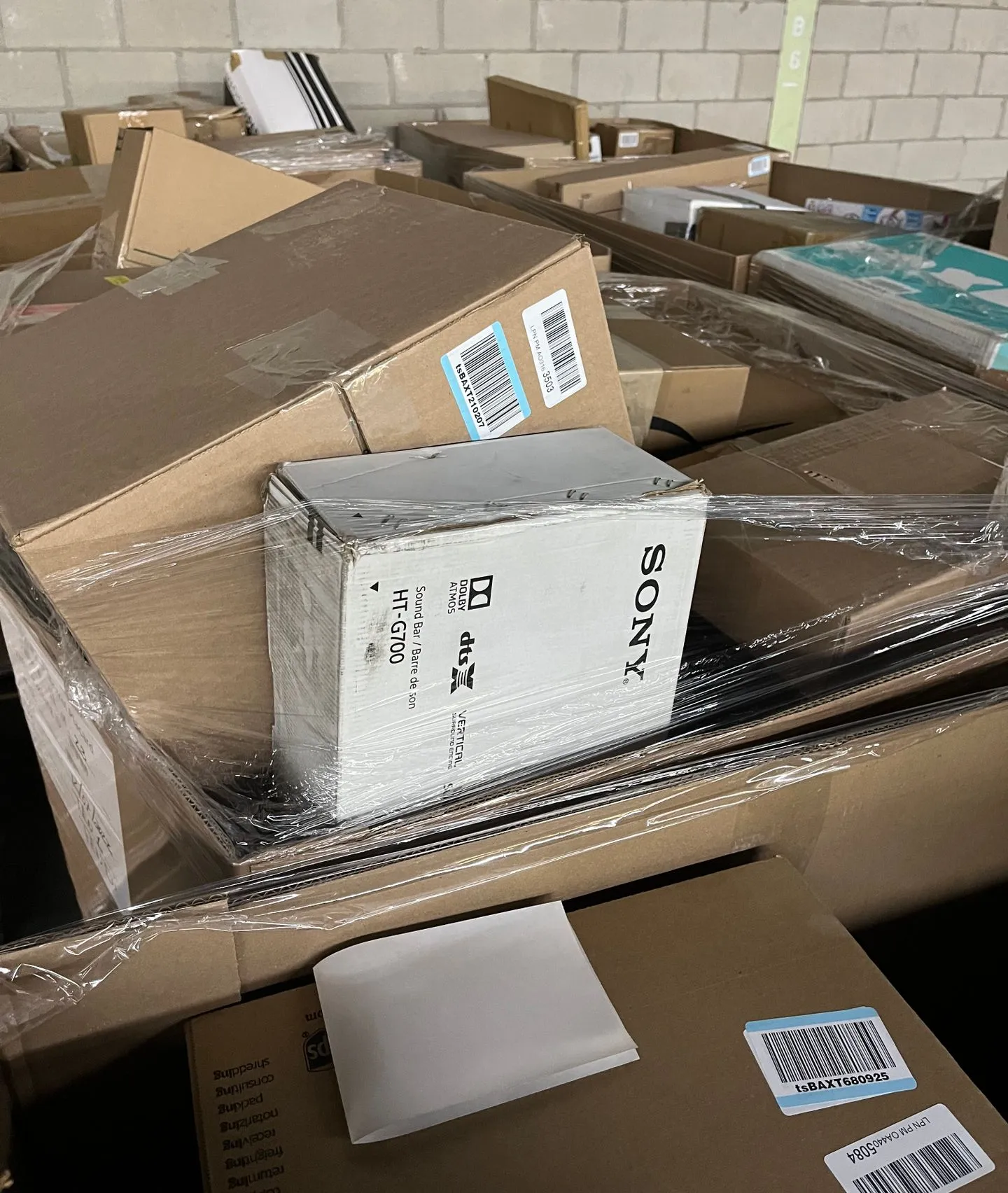
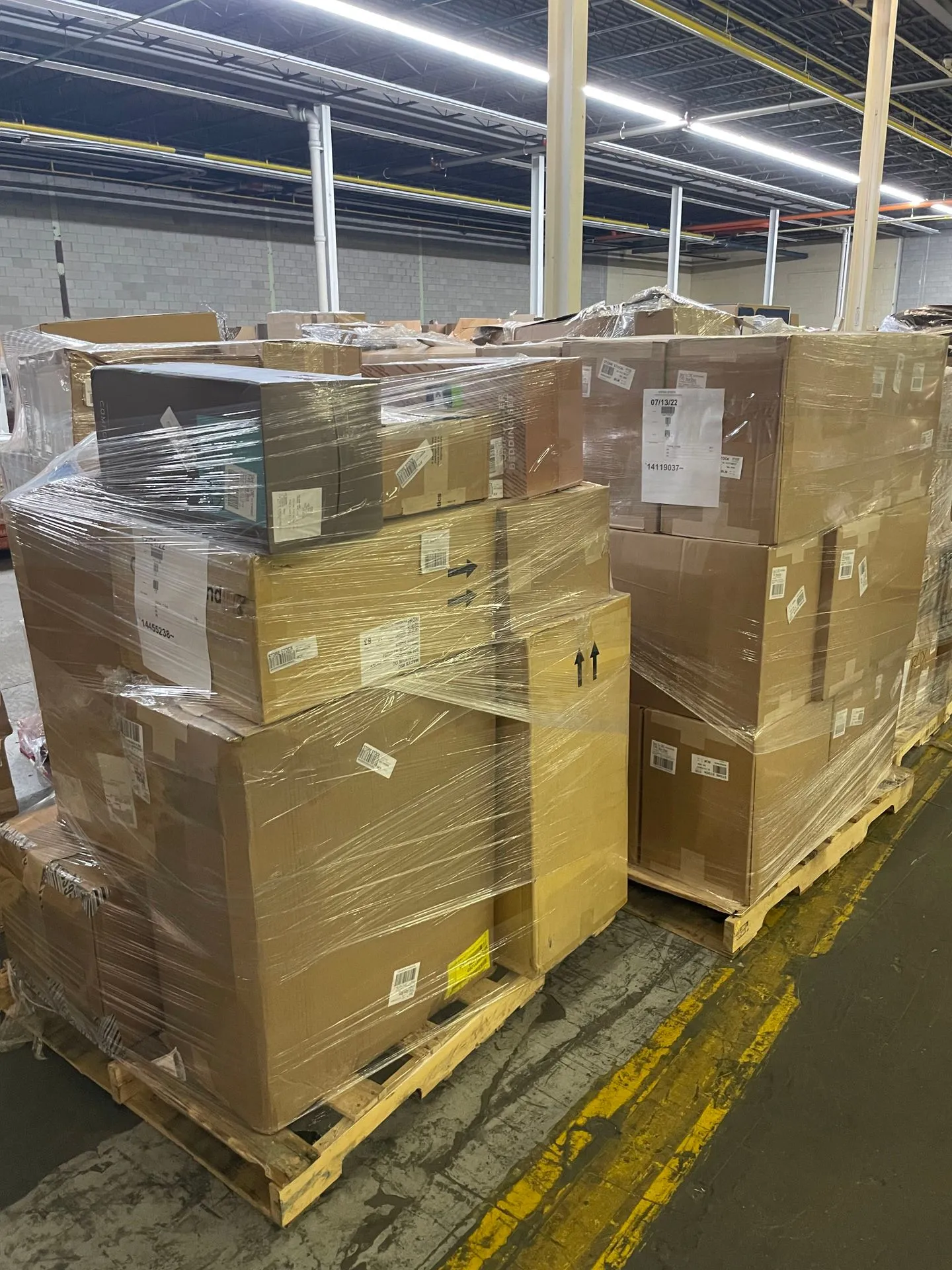
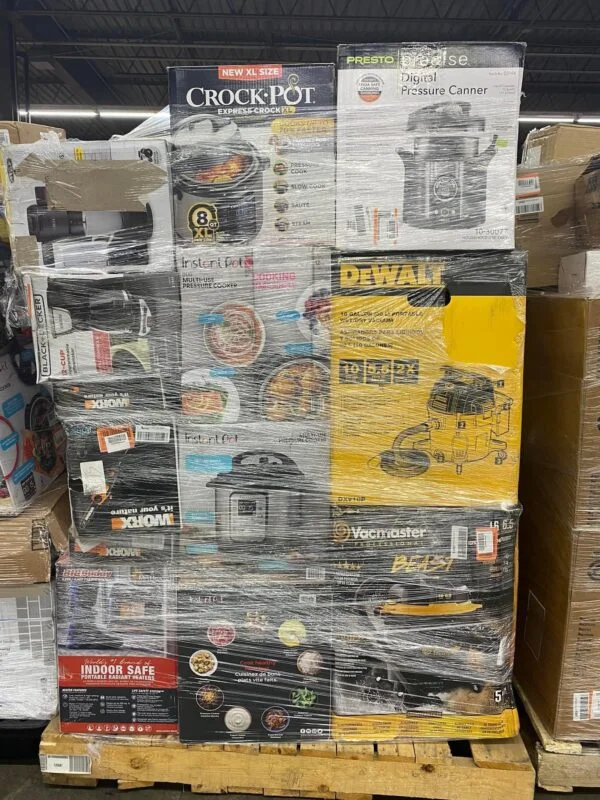
PalletCove’s photos show representative loads, contents vary by pallet and pallets are not individually tested. Contents are sold as described in the listing. Save a manifest when supplied; otherwise mark the field “not supplied,” rather than creating an assumed item list.
Use the liquidation pallets hub to identify purchase formats. When comparing general merchandise inventory with truckload inventory, document the actual listing you selected, not merely its category. The Amazon General Merchandise Truckload listing and Macy’s Textile Truckload listing illustrate why exact product titles belong in purchase records; titles alone do not establish condition or contents. PalletCove is an independent reseller, not affiliated with, endorsed by or sponsored by any named retailer.
The same document workflow applies when sourcing liquidation pallets in Texas or liquidation pallets in Florida. Keep the delivery address attached to the order so similar purchases remain distinguishable.

3. Verify the supplier and match the purchase payment
Supplier vetting means checking a seller’s identity, contact information, written terms and transaction details before buying. Keep the results with your supplier record, separate from individual purchases. The articles on liquidation supplier payment scam warning signs and questions for liquidation supplier references cover those checks more fully.
At PalletCove, no payment is collected through the website order form. After order review, a secure card link is emailed. Credit and debit cards—Visa, Mastercard, American Express and Discover—are the only accepted payment method. Follow the wholesale order payment policy and retain the resulting confirmation without storing full card details.
For each purchase:
- Match the reviewed order to the invoice, including the buyer and delivery details.
- Compare the amount requested with the documented total before paying.
- Record the payment date, amount and confirmation reference.
- Match the posted card transaction once it appears, allowing for a different posting date.
- Investigate discrepancies before marking the purchase reconciled.
Free shipping is the only delivery option on every order to all 48 contiguous states, and freight is included in the listed price. Do not invent a separate inbound shipping expense unsupported by the purchase documents.
Avoid duplicate entries: importing a card transaction after manually recording the purchase should match the existing entry, not create another purchase. If you use a credit card, paying the card balance later settles that liability; it is not a second inventory purchase.
4. Connect delivery evidence without treating it as payment
Payment, shipment and delivery are separate events. Track their dates independently so a paid order awaiting delivery does not appear missing merely because it has no receiving record yet.
PalletCove’s handling time is 1–3 business days after payment clears. Transit from Houston is typically 3–7 business days, for an estimated 4–10 business days total. The processing cutoff is 2:00 PM Central Time, America/Chicago, Monday–Friday; confirmations after cutoff begin processing the next business day. Weekends and applicable holidays do not count.
For an LTL shipment—less-than-truckload freight sharing trailer space—or a full trailer shipment, retain the shipment reference and available bill of lading or delivery receipt. Record the actual shipment format rather than assuming it from the order name.
On delivery day:
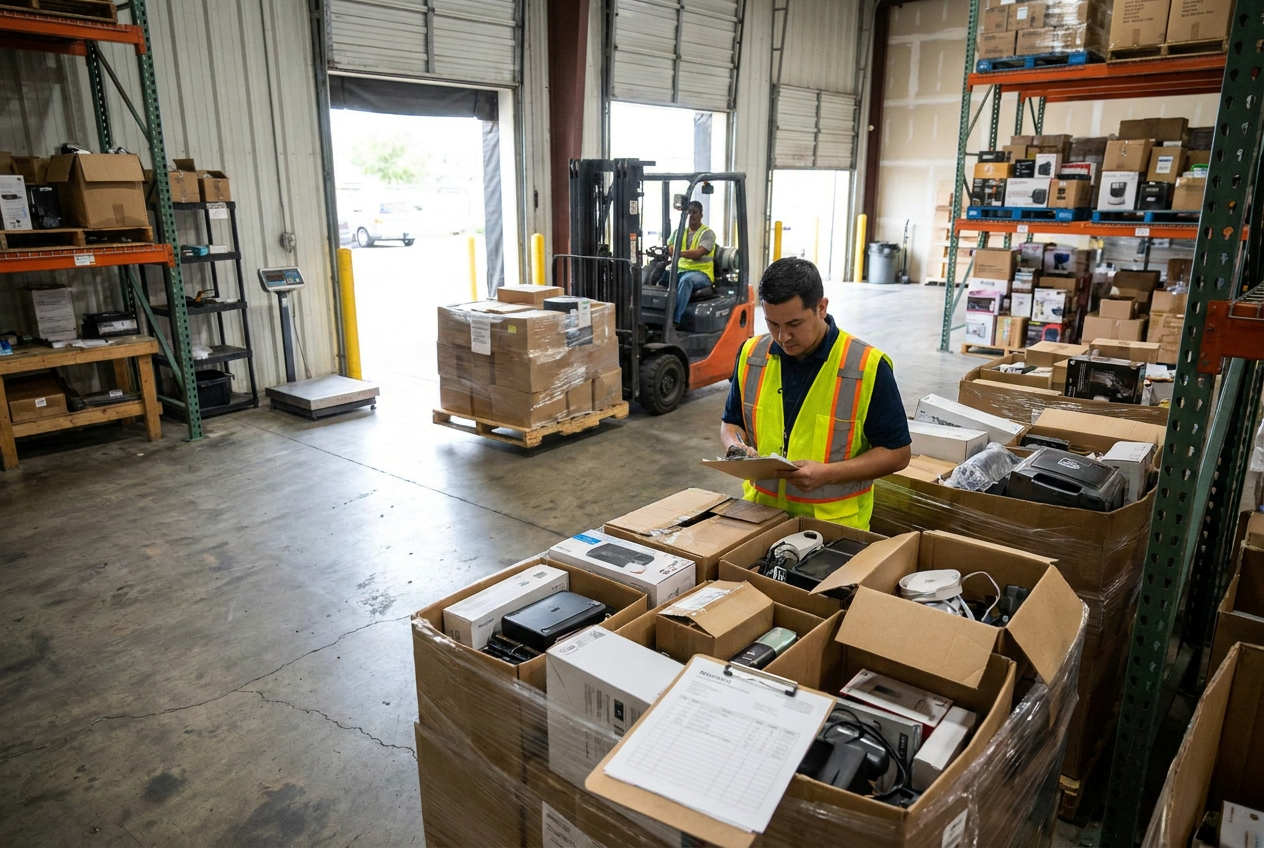
- Compare the delivered shipping units with the delivery documents.
- Photograph visible packaging damage and label information.
- Note visible discrepancies on the delivery record where possible.
- Preserve the signed receipt and actual delivery date.
- Open a separate issue record for missing or damaged goods.
Receiving notes establish what arrived and when. They do not authorize a refund or replace the supplier’s claim decision. Keep observations factual and distinguish visible damage from issues discovered during later sorting.
5. Build a transaction register with reliable identifiers
A spreadsheet can work if it separates purchases, marketplace activity and settlements. Accounting software can automate parts of the workflow, but the same identifiers and checks still matter.
| Record type | Fields to preserve | Evidence to attach | Matching target |
|---|---|---|---|
| --- | --- | --- | --- |
| Supplier purchase | Purchase ID, invoice number, date, total | Listing, invoice, confirmation | Card transaction |
| Receiving event | Purchase ID, delivery date, shipment reference | Delivery receipt, photos | Supplier order |
| Marketplace sale | Platform, order ID, sale date, gross amount | Order export | Settlement activity |
| Fee or adjustment | Platform event ID, type, amount, date | Transaction report | Order or payout |
| Customer refund | Original order ID, refund ID, amount | Refund confirmation | Marketplace deduction |
| Marketplace payout | Payout ID, reporting period, net amount | Settlement report | Bank deposit |
| Supplier refund | Purchase ID, credit reference, amount | Supplier approval | Posted card credit |
Give each marketplace its own clearing account or equivalent tracking ledger. A clearing account temporarily tracks money moving between sales activity and the bank; its balance represents amounts not yet settled or otherwise explained.
Where practical, connect a reseller SKU to its source purchase reference. This is a traceability link, not an allocation method. Do not split a bank deposit across purchases merely to force a match: payouts usually combine many customer orders.
Store original exports unchanged. Use a separate working file for calculations, and restrict editing access. A consistent naming format—date, platform or supplier, document type and reference—makes missing evidence easier to spot.
6. Reconcile gross activity to net marketplace payouts
A marketplace payout is a settlement, not necessarily the amount you sold during that period. Fees, customer refunds, holds and adjustments can make the deposit substantially different from gross activity. Download transaction-level reports as well as payout summaries.
The key reseller bookkeeping check is simple: every deposit needs an explanation, and every adjustment needs a source document.
Consider an illustrative payout report containing only these entries:
| Settlement component | Amount |
|---|---|
| --- | ---: |
| Gross order proceeds shown in this example | $2,400 |
| Selling fees withheld | −$300 |
| Shipping labels deducted | −$120 |
| Customer refunds deducted | −$180 |
| New reserve hold | −$100 |
| Release of an earlier reserve | +$40 |
| Net payout | $1,740 |
The expected bank deposit is $1,740. Recording only that deposit as sales hides the underlying transactions. A reserve hold is money temporarily retained by the marketplace, not automatically a fee; a reserve release is not automatically another sale.
Use this sequence for each payout:
- Save the payout ID, report period and transaction export.
- Match gross order activity to the relevant sales records.
- Identify each fee, refund, label deduction and other adjustment separately.
- Carry supported unsettled amounts forward in the clearing ledger.
- Match the payout to the bank deposit by reference and amount.
- Investigate any difference rather than assigning it to a miscellaneous expense.
Use the platform’s actual report fields and have your bookkeeper map unfamiliar entries. This simplified example is not a substitute for the complete settlement report.
Different sale, settlement and bank dates are normal. At month-end, a payout initiated but not yet deposited should remain identifiable as outstanding. Never count both imported marketplace sales and the matching bank deposit as new revenue.

7. Track refunds, claims and monthly exceptions separately
A refund to your customer and a refund from your supplier are different transactions. Link the customer refund to its original marketplace order; link the supplier refund to the original purchase. Neither should overwrite the original record.
For PalletCove purchases in the United States, the Refund & Returns Policy provides defective and non-defective returns and exchanges only for products explicitly listed as NEW ONLY, within 30 calendar days of delivery. Returns are by mail, with the customer responsible for the return label and shipping. A restocking fee of 15% of the product price applies. Refund processing is 10 calendar days after authorized return receipt and inspection, or approval where no physical return is required.
Mixed and used loads have separate claims terms, not routine change-of-mind returns. Report delivery issues within 48 hours; that reporting request does not shorten eligible new-product 30-day returns.
Maintain claim stages such as requested, awaiting information, authorized, returned and credited. A requested adjustment is not evidence that money has been refunded. Preserve any fee breakdown and match the approved refund to the actual posted credit.
At each monthly close, check for:
- Invoices without matching payments and payments without invoices.
- Duplicate purchases created by manual entries and bank imports.
- Delivered orders missing receiving evidence.
- Marketplace payouts without deposits, or deposits without reports.
- Refunds recorded twice through both order and payout imports.
- Reserve balances, disputes and claims without a documented status.
Keep unresolved items on a dated exception list with an owner and next action. Do not make unexplained balancing entries simply to finish the month.
Frequently asked questions
Is a card statement enough proof of a liquidation purchase?
No. It supports the payment amount and posting date, but usually does not establish the merchandise description, condition or applicable terms. Keep the invoice, listing and payment confirmation together.
Do I need a manifest to maintain accurate transaction records?
You can document a bulk purchase without a supplied manifest. Retain the listing and invoice, mark the manifest as not supplied and keep your receiving notes separate from supplier-provided documents.
How should I handle one payout covering many orders?
Keep the payout as one settlement record linked to its transaction-level report. Reconcile the included sales and adjustments to the net deposit rather than treating the payout as a single customer sale.
What if a supplier refund has been approved but has not posted?
Record its status and approval reference in your adjustment tracker. Match it to the posted credit when received, and ask your bookkeeper how to represent any pending credit in your accounting system.
How often should I reconcile marketplace activity?
Reconcile each payout when practical, then review outstanding balances at month-end. Higher transaction volume may justify daily imports, but more frequent importing does not replace checking for duplicates and unexplained differences.
Talk to PalletCove Liquidation
Good reseller bookkeeping preserves the original purchase, explains every payout and keeps unresolved adjustments visible. For the broader purchase-documentation context, review the reseller sales tax policy before ordering.
PalletCove Liquidation LLC is located at 4000 Telephone Rd Unit B11, Houston, TX 77087. Call (713) 819-3904 or email sales@palletcoveliquidation.com. Hours are Mon–Fri 8:00 AM – 6:00 PM CT, Sat 9:00 AM – 2:00 PM CT, Sun closed.
To clarify order documentation, contact our order desk. When ready to compare available listings, browse current inventory and retain the purchase details you select.
About PalletCove Liquidation
Published by PalletCove Liquidation LLC, based in Houston, Texas. Our buying guides cover evaluating liquidation inventory and preparing for delivery. Consult the current product listing and store policies for purchase terms.