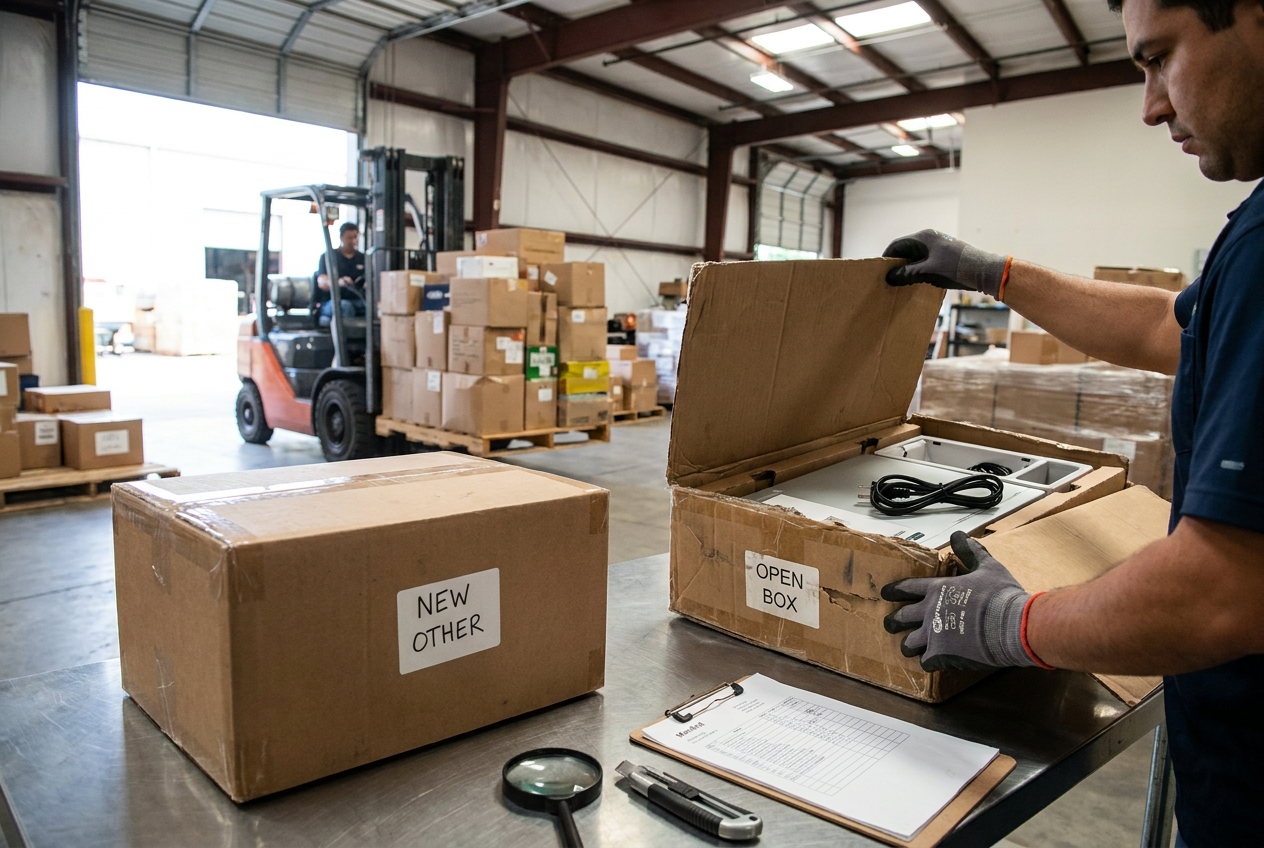
At a glance
Learn how demonstration use, assembly, missing packaging, and customer handling affect store display liquidation—and what resellers should verify before buying a pallet or truckload.

Store display liquidation is merchandise removed from retail demonstration areas, showroom floors, or customer-accessible displays and sold through liquidation channels. Its condition reflects how it was displayed—not simply whether someone purchased it. An unsold display can have substantial handling wear, while another may have remained largely untouched.
For independent resellers, the central question is what happened between unboxing and removal from the sales floor. Demonstration use, assembly, cleaning, customer handling, and dismantling can each create different problems. Start with our liquidation pallet types and condition guide for the broader inventory framework; this article focuses on evaluating display-stock condition.
What display stock tells you—and what it does not
Display stock describes a merchandise history, not a promise of functionality or completeness. A condition grade is the seller’s stated classification of merchandise condition. Its meaning depends on the listing’s definitions and disclosures; a display designation alone does not establish a universal grade.
Keep these neighboring inventory descriptions distinct:
- Customer returns are goods buyers purchased and subsequently returned. Their use history and return reasons vary.
- Overstock is excess inventory remaining beyond a seller’s needs. The term alone does not verify new condition.
- Shelf pulls are products removed from selling shelves. Removal does not necessarily mean demonstration use.
- Salvage is inventory designated for substantial repair, parts recovery, or other limited-use purposes, according to the listing.
- As-is means the sale relies on the described condition rather than an assumption that every item will be complete or working. It does not replace applicable written policies.
A display item can also have missing parts, damage, or other characteristics described by a separate condition designation. Do not treat these terms as interchangeable. Our liquidation buying overview explains the broader purchasing model.
Store display liquidation describes where merchandise has been, not proof that it is unused, complete, safe, or ready to resell.
How demonstration, assembly, and handling change condition
The useful distinction is between cosmetic exposure and functional stress. A surface mark may be easy to document; hidden wear in a hinge, switch, connector, or mounting point requires closer evaluation.
| Display history | Possible condition effect | What a reseller should verify |
|---|---|---|
| --- | --- | --- |
| Repeated demonstrations | Wear on controls, motors, hinges, or batteries | Whether use history or functional checks are documented |
| Assembly for display | Missing hardware, misaligned components, overtightened fasteners | Parts list, joint condition, and assembly instructions |
| Customer handling | Scratches, fingerprints, loose fittings, worn grips | High-touch areas and moving components |
| Extended lighting or sunlight exposure | Fading, discoloration, uneven finish | Exposed surfaces compared with protected areas |
| Removal and dismantling | Chipped edges, stripped threads, separated accessories | Attachment points and accessory identification |
| Loss of original packaging | Reduced transit protection and missing inserts | Replacement protection needed for storage and resale |
Demonstration use is category-specific
An appliance used only as a visual prop has a different history from one repeatedly operated. A screen running a demonstration loop may have accumulated operating time despite never entering a customer’s home. A tool handled without a battery presents different concerns from one used in demonstrations.
Ask whether the item was powered, mechanically operated, or simply displayed. If the listing does not establish that history, treat it as unknown. A power-on observation, if documented, is also narrower than a full functional assessment.
Assembly can create hidden completeness problems
A standing display may appear complete because its missing hardware remains concealed. Dismantling can reveal absent brackets, damaged threads, substitute fasteners, or adhesive used to hold components in place. Some displays also have retailer-installed security attachments or mounting alterations.
Check model-specific hardware rather than assuming a bag of loose screws belongs to the nearest item. Replacement fasteners must meet the product’s requirements; visual similarity is not enough for load-bearing or safety-critical connections.
Customer handling is not the same as household use
Handling may concentrate wear on handles, buttons, edges, and adjustment mechanisms while leaving other surfaces clean. Repeated cleaning can affect coatings or labels. Conversely, an item can look dusty and still have limited functional use.
Neither appearance proves serviceability. A useful resale assessment separates cosmetics, function, completeness, and safety rather than collapsing them into one impression.

Reading manifests and condition descriptions
A manifest is an inventory document describing a lot, potentially including product identifiers, quantities, categories, or condition notes. A lot-summary manifest may offer only category-level totals. Neither format automatically supplies item-level inspection results.
For display stock, look for evidence connecting the description to the actual lot:
- Identify whether “display” applies to the entire lot or only some merchandise.
- Check whether quantities describe individual units, sets, cartons, or other groupings.
- Look for model numbers and notes about packaging, accessories, assembly, and damage.
- Separate documented observations from assumptions based on product names or retail descriptions.
- Ask which uncertainties remain before submitting the order.
Manifested loads provide whatever information their documents contain; unmanifested loads leave more inventory detail unresolved. Our guide to blind versus manifested pallets explains that distinction without treating a manifest as a testing certificate.
A mixed load can contain display merchandise alongside other listed conditions. Consult mixed condition liquidation pallet guidance rather than assuming the display label describes every unit. For listings using as-is language, review what as-is liquidation buyers should clarify.
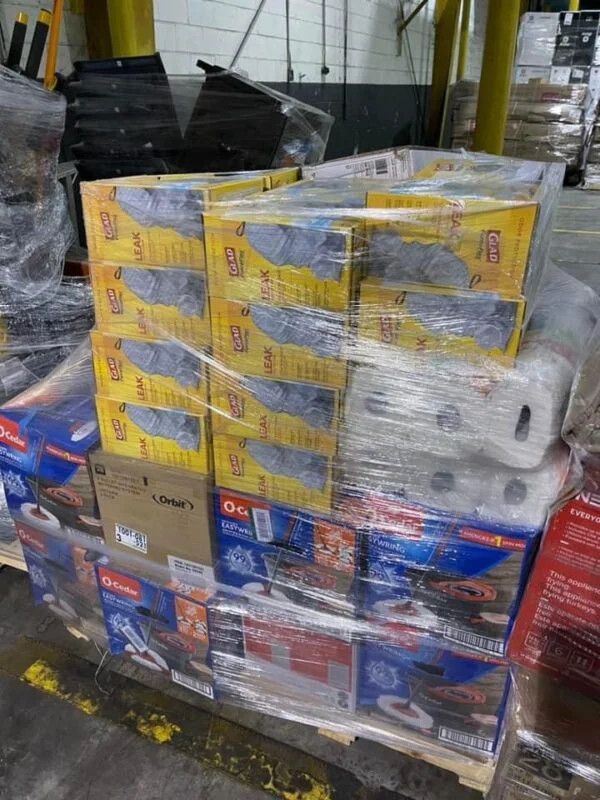
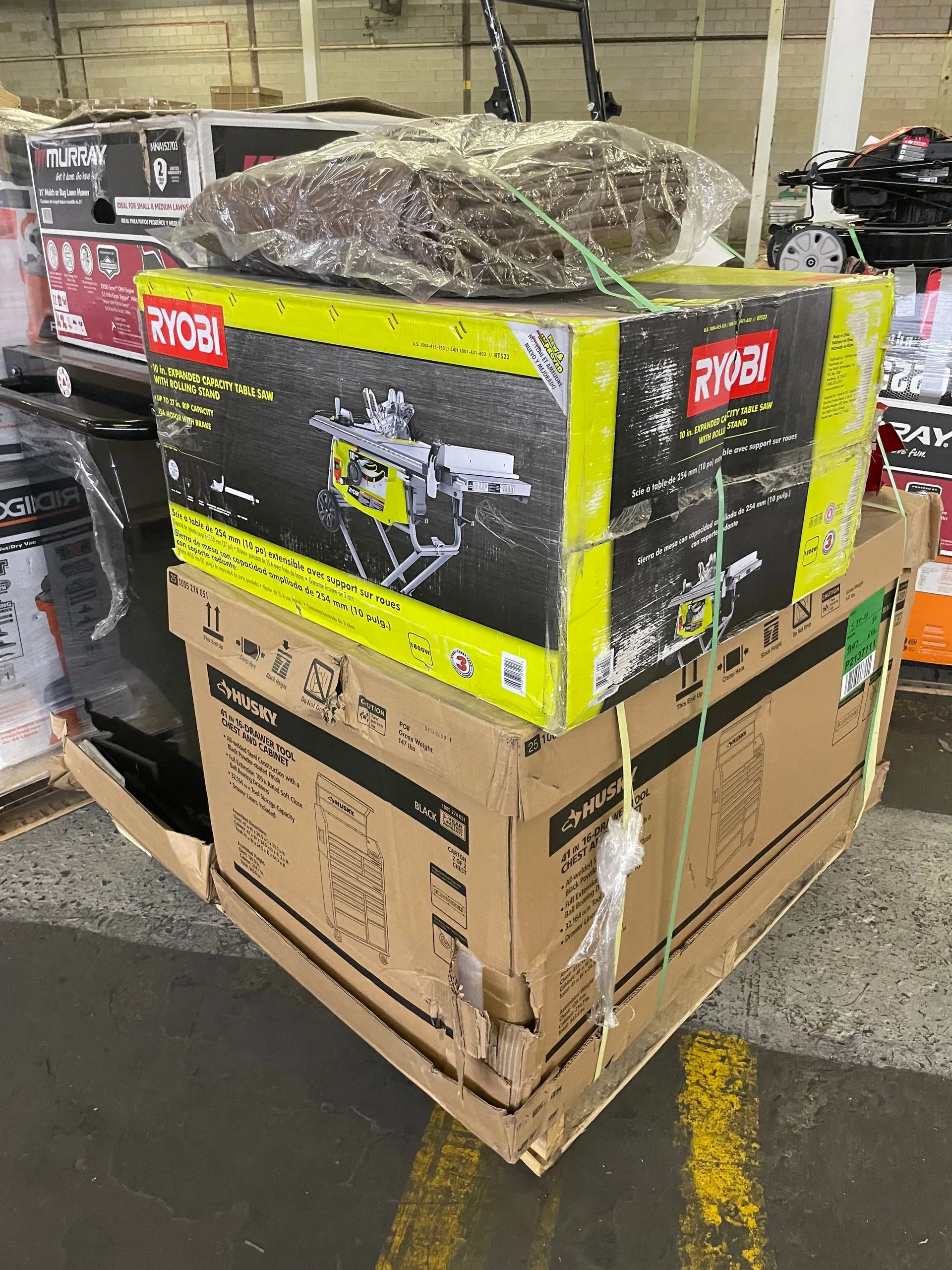
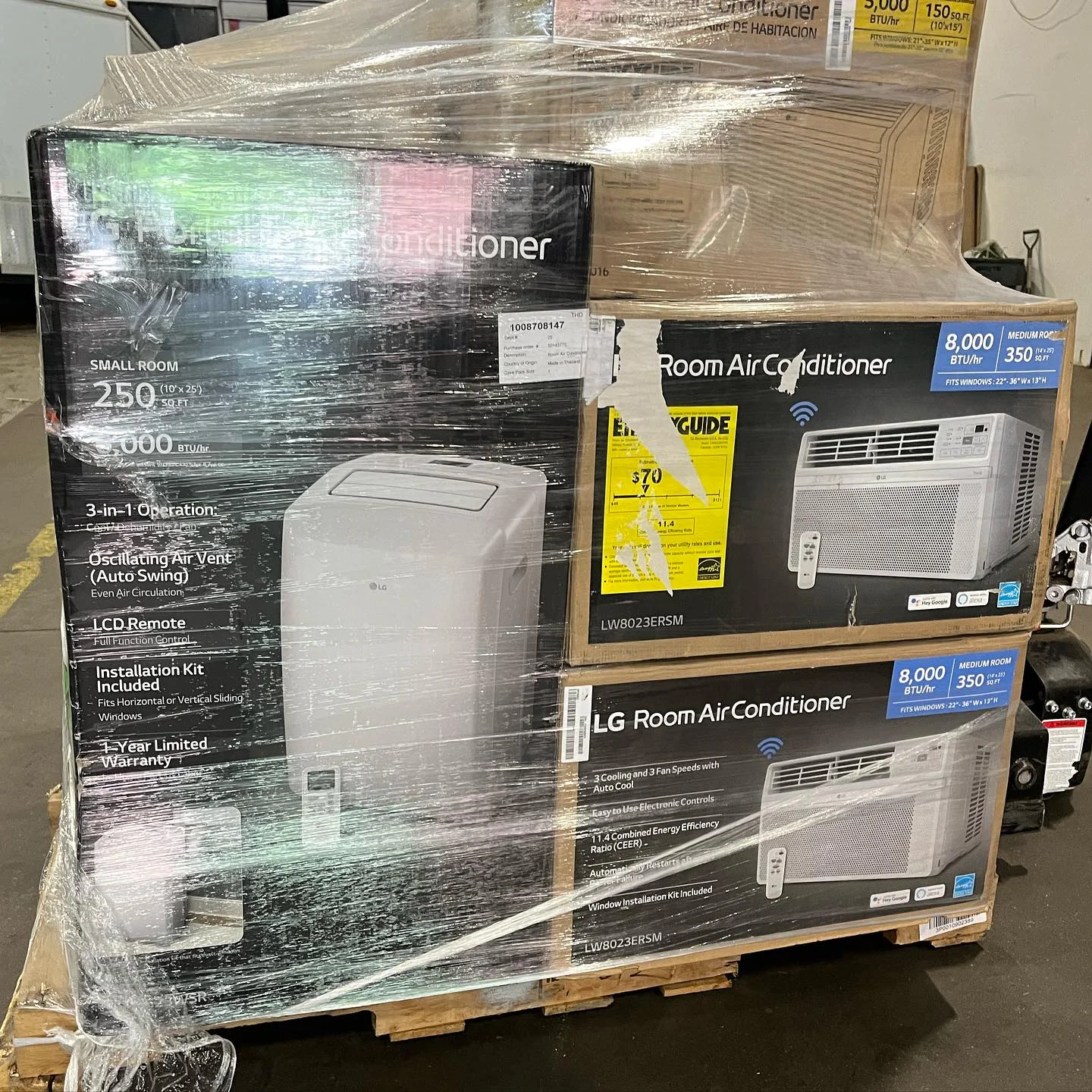
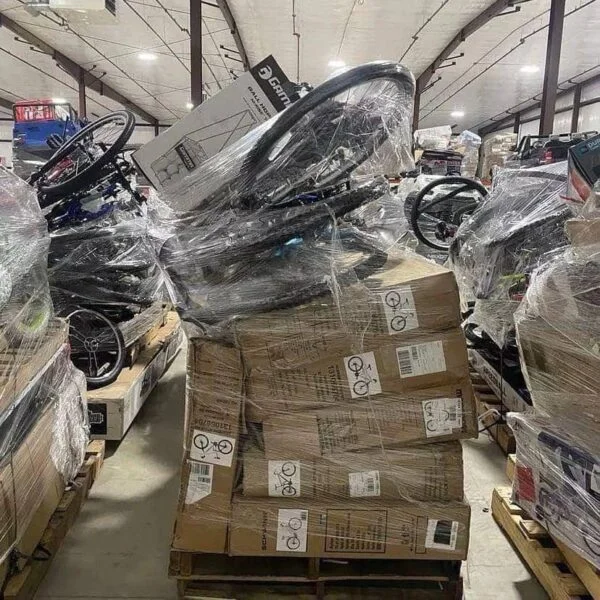
PalletCove photos show representative loads. Contents of each pallet vary, pallets are not individually tested, and contents are sold as described in the listing. A photograph of one assembled item does not establish that every pallet includes that model or its accessories.
Choosing a load and budgeting the work
Display merchandise may appear within a category-level liquidation pallet or a larger truckload when the listing identifies it. Palletized orders may move as LTL, meaning less-than-truckload freight sharing trailer space; a truckload may involve a full trailer. Verify the listing’s quantity and shipping configuration instead of treating these labels as interchangeable.
Browse the liquidation pallets inventory hub, then compare relevant general merchandise loads and truckload listings. These are browsing routes, not assurances that a particular load contains display merchandise.
For example, the HD GM Truckloads Pallets listing and Home Depot Tool and Hardware Truckload listing are places to review current descriptions for applicable merchandise. Do not infer display history, condition, or testing from a product title. PalletCove is an independent reseller and is not affiliated with, endorsed by, or sponsored by any retailer named.
The listed price includes freight. For your internal budget, separately consider cleaning materials, suitable replacement packaging, verified replacement parts, evaluation labor, storage space, and disposal of unusable material. These are your operating costs, not additional delivery options.
Dividing the lot price by the listed quantity can produce a preliminary average acquisition cost. It does not establish a cost per saleable unit: sets may be incomplete, units may need work, and some merchandise may be unsuitable for resale. Do not use original retail pricing as evidence of current value.
Ordering, payment, and free shipping
Before ordering, resolve questions about the condition description, manifest scope, assembly status, and disclosed missing components. Retain the listing and written clarifications so the receiving team knows what was purchased.
PalletCove accepts credit and debit cards only: Visa, Mastercard, American Express, and Discover. After order review, a secure card link is emailed for payment. No payment is collected on the website order form. Valid resale certificates are reviewed and applied where the buyer’s state allows.
Free shipping is the only delivery option on every order to all 48 contiguous states, with freight included in the listed price. Buyers exploring liquidation pallets in Texas or liquidation pallets in Florida receive the same free-shipping structure.
Handling takes 1–3 business days after payment clears. Transit from Houston is typically 3–7 business days, for an estimated total of 4–10 business days. The processing cutoff is 2:00 PM Central Time, America/Chicago, Monday–Friday; after-cutoff confirmations begin the next business day. Weekends and applicable holidays do not count.
Confirm receiving access, unloading arrangements, and available space before dispatch. An assembled display may need more room and protection than a boxed unit, even when both have the same product dimensions.
Delivery inspection, claims, and resale preparation
Prepare a receiving area where merchandise can remain identifiable by lot. Photograph the shipment before removing wrap or protective material, and distinguish visible transit damage from pre-existing display wear wherever possible.
Use this sequence:
- Compare shipping documents and received handling-unit counts with the order.
- Photograph torn wrap, crushed packaging, exposed surfaces, and visible damage.
- Record specific visible exceptions on delivery paperwork where possible.
- Preserve packaging and identify affected merchandise before reorganizing the load.
- Compare contents with the listing and any supplied manifest, noting discrepancies precisely.
- Separate incomplete, damaged, or potentially unsafe items from resale-ready inventory.
Request delivery-issue reporting within 48 hours so supporting evidence is captured promptly. This request does not shorten eligible new-product return rights.
Under the United States Refund & Returns Policy, products explicitly listed as NEW ONLY qualify for defective and non-defective returns and exchanges within 30 calendar days of delivery. Returns are by mail; the customer is responsible for the return label and shipping. A restocking fee of 15% of the product price applies, and refund processing takes 10 calendar days after authorized return receipt and inspection, or approval where no physical return is required. Mixed and used loads have separate claims terms, not routine change-of-mind returns.
Display history does not establish warranty coverage. Verify applicable written warranty terms before making promises to your own buyers. Before resale, check product identification and recall information, follow manufacturer guidance for evaluation, and describe observed wear and missing components accurately.

Common mistakes that distort a display-stock assessment
- Calling unsold merchandise new. Lack of a previous retail purchase does not erase demonstration wear or assembly history.
- Treating clean surfaces as proof of function. Cosmetic condition and operational condition require separate assessments.
- Counting loose accessories as complete sets. Match parts by model and specification before assigning them to merchandise.
- Assuming reboxing restores original condition. Packaging can protect an item without changing its use history.
- Buying beyond repair capacity. Space, technical skills, and access to suitable parts matter more than an attractive headline price.
The practical goal is an evidence-based description for each item you eventually sell, not a blanket grade borrowed from the load title.
Frequently asked questions
Is store display liquidation the same as customer returns?
No. Display stock originates from retail presentation or demonstration, while customer returns were purchased and returned. Either can have wear or missing parts, so the listing’s actual condition description remains essential.
Can a display item look unused but have operating wear?
Yes. Powered demonstrations can create operating time without obvious external damage. If no use history is documented, appearance alone cannot resolve that uncertainty.
Does a manifest confirm that accessories are included?
Only to the extent that it explicitly describes them. A product name or model number is not necessarily a verified accessory checklist; ask whether completeness is documented or unknown.
Should assembled displays be dismantled before resale?
Not automatically. Dismantling can expose damaged connections or create additional damage, so consult the product’s instructions and assess suitable handling first. Keep matched hardware and components identified throughout the process.
Are display-stock pallets individually tested?
PalletCove pallets are not individually tested. Contents are sold as described in the listing, and representative photos do not establish item-level functionality or completeness.
Talk to PalletCove Liquidation
Evaluate store display liquidation through four separate questions: what was demonstrated, how it was assembled, what customers handled, and what documentation supports its present condition. Return to the guide to liquidation pallet types and conditions for the broader comparison before choosing a load.
PalletCove Liquidation LLC is located at 4000 Telephone Rd Unit B11, Houston, TX 77087. Call (713) 819-3904 or email sales@palletcoveliquidation.com. Hours are Mon–Fri 8:00 AM – 6:00 PM CT, Sat 9:00 AM – 2:00 PM CT, Sun closed.
For listing-specific questions, contact our order desk, then review current inventory for the merchandise descriptions available when you order.
About PalletCove Liquidation
Published by PalletCove Liquidation LLC, based in Houston, Texas. Our buying guides cover evaluating liquidation inventory and preparing for delivery. Consult the current product listing and store policies for purchase terms.